All features
Voice
Capture ideas without stopping Claude
Good ideas tend to turn up while Claude is in the middle of something. But stopping to type one out breaks your focus, so many never get written down.
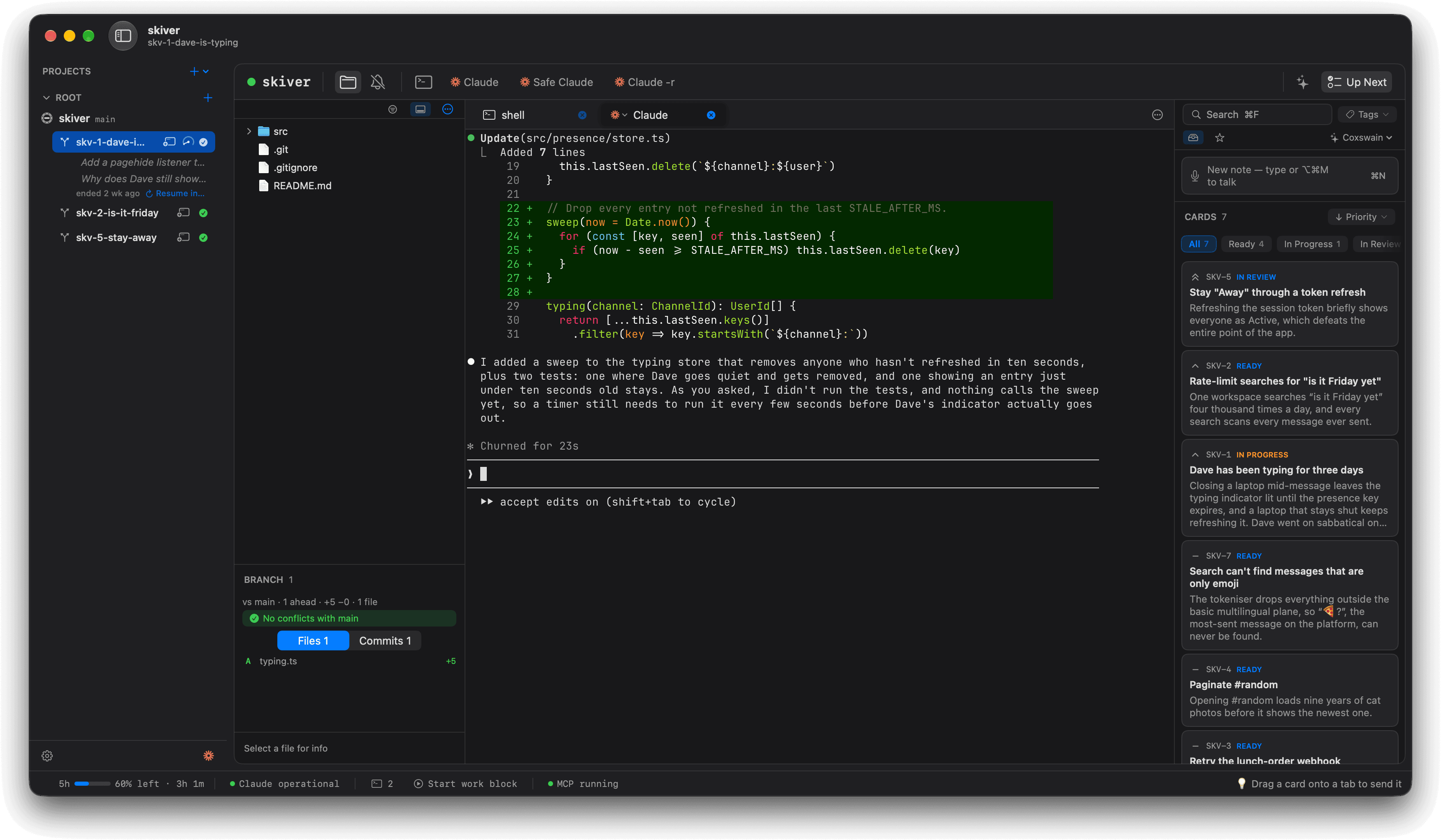
With Mooring, you press ⌥⌘M and say it. Mooring writes it into a new task in Up Next while Claude carries on working.

Watch it appear.
Your words show up as you speak, and ⌘↩ saves the task.
Stays on your Mac.
Your speech is recognised on your Mac, not sent off to a server.
Talk from anywhere.
Press ⌥⌘M in any app and start talking.
Shown with Skiver, a made-up team chat app for people avoiding work.