All features
Usage
See how fast you’re using your Claude plan
You have Claude working on several things at once. But Claude only tells you how much of your plan you’ve used. It doesn’t tell you which work used it, or how quickly.
Mooring shows your usage for every branch as it happens, so you can see what’s eating into your budget and change course before you run out.

Don’t run out mid-week.
See how much of your plan is left next to what you’re spending.
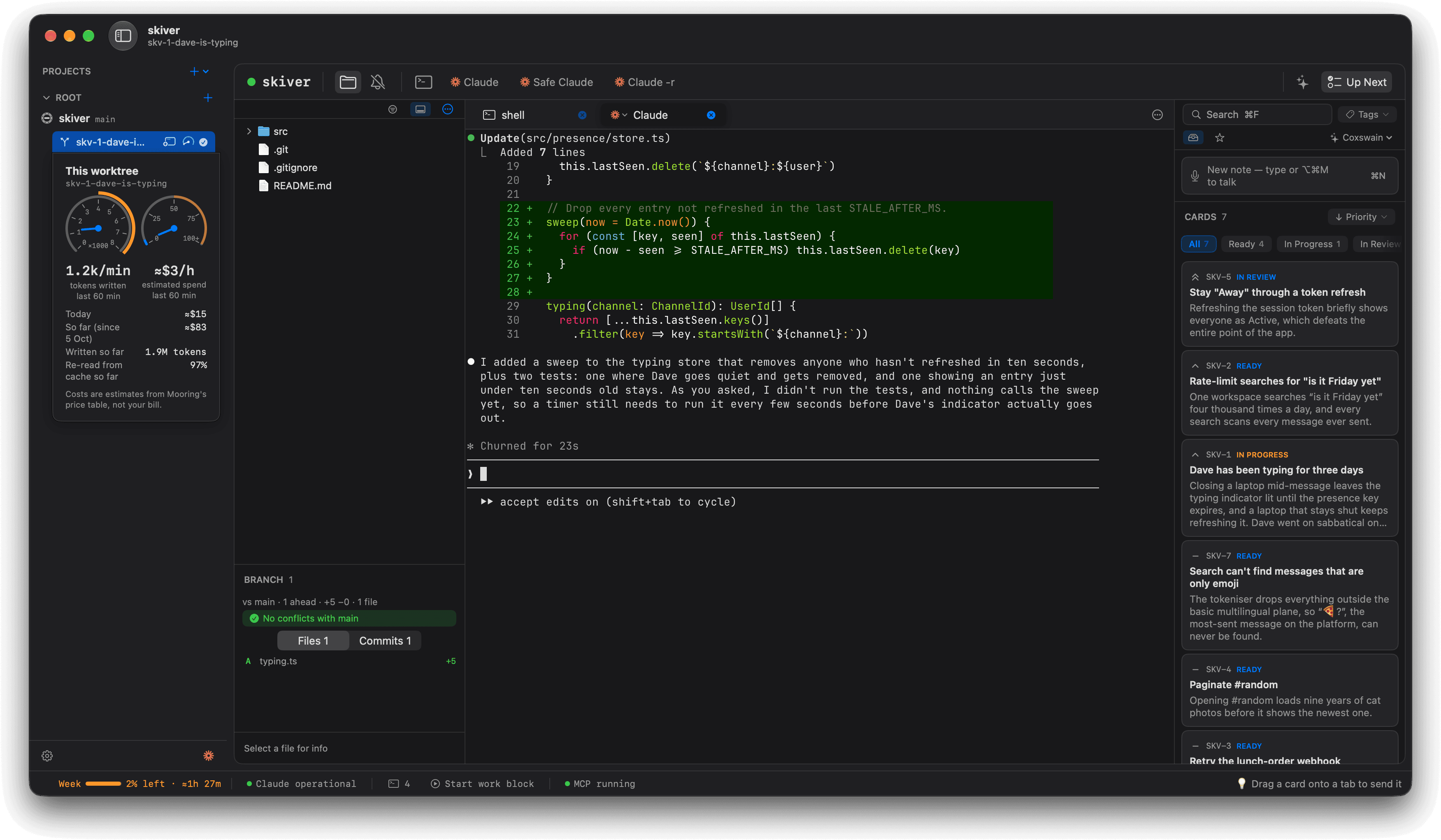
See usage as it happens.
A small gauge on each branch shows what it’s using right now.
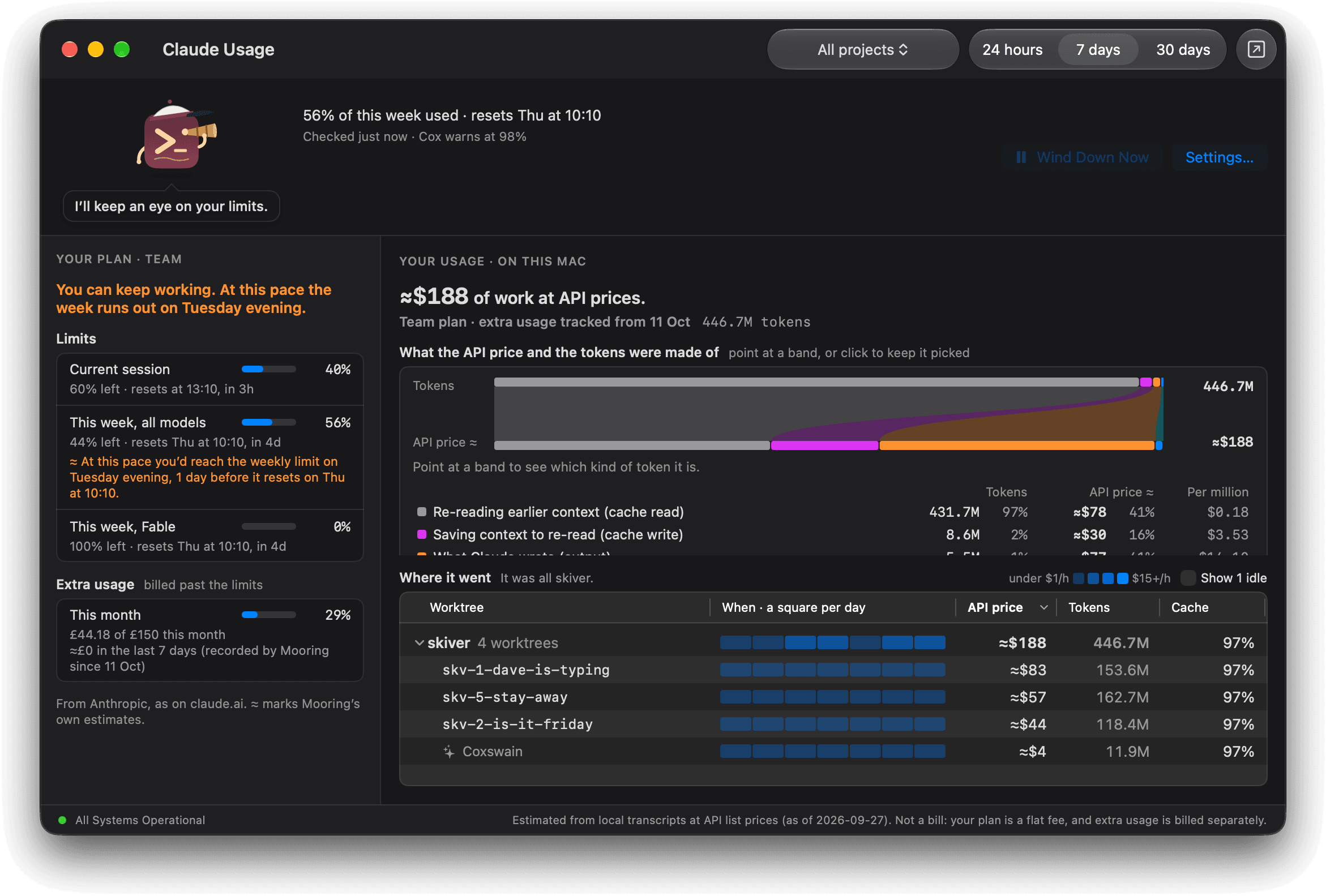
Know where your budget goes.
Usage adds up by project and by branch, over a day, a week or a month.
Shown with Skiver, a made-up team chat app for people avoiding work.