Plan limits
Stop cleanly at your plan limit, and carry on when it resets
Long jobs often hit your plan limit halfway through. When that happens, Claude stops mid-step and loses its place. And once the limit resets, you have to restart every session and explain each task all over again.
Mooring sees the limit coming. Cox, Mooring’s guide, offers to wind each session down, and each one finishes the step it’s on, writes a note about where it got to, and stops. When your limit resets, Mooring restarts every session and gives Claude back its note, so the work carries on from where it was.

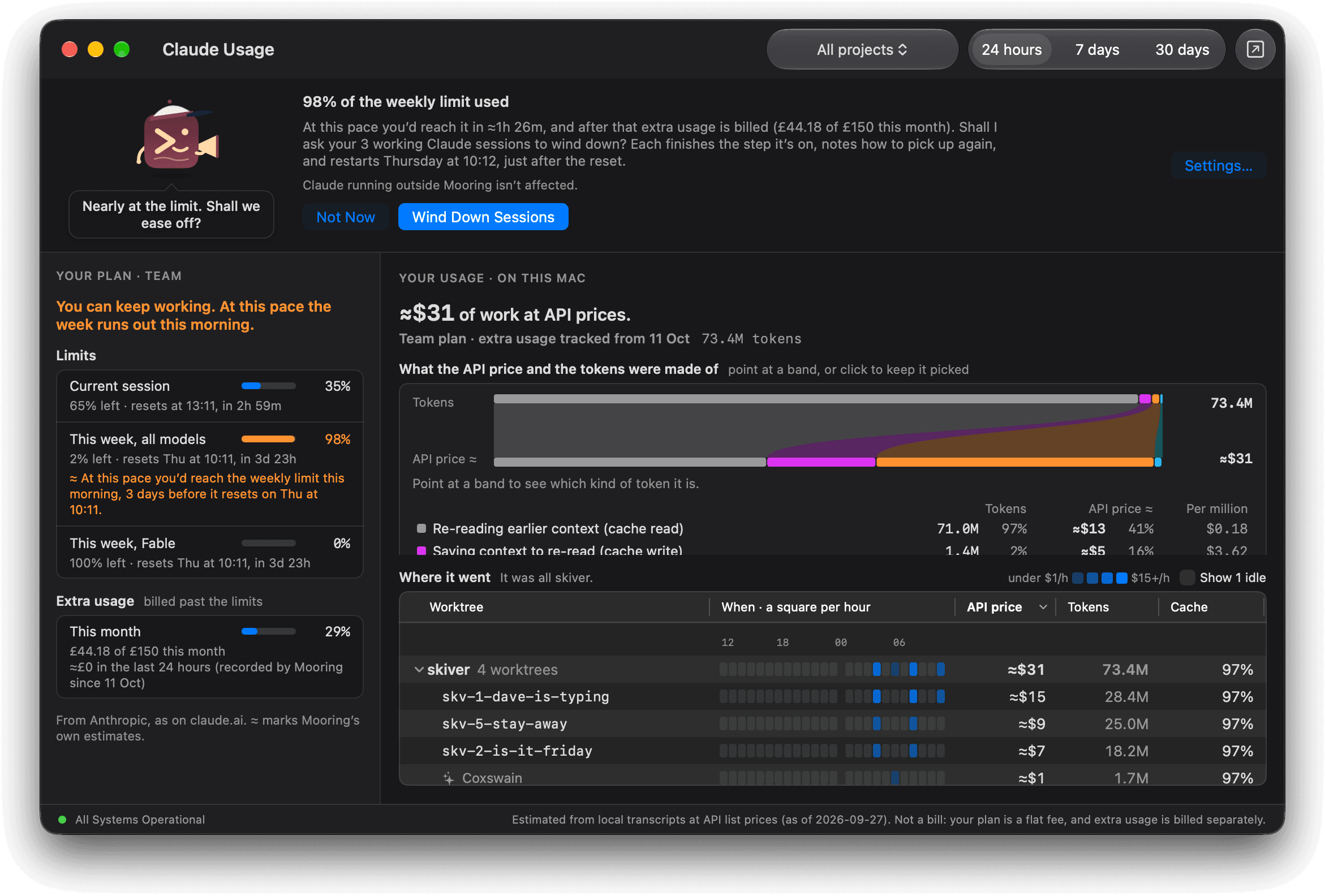
Wind down in good time.
Near the limit, each session finishes its step, writes a note and stops.
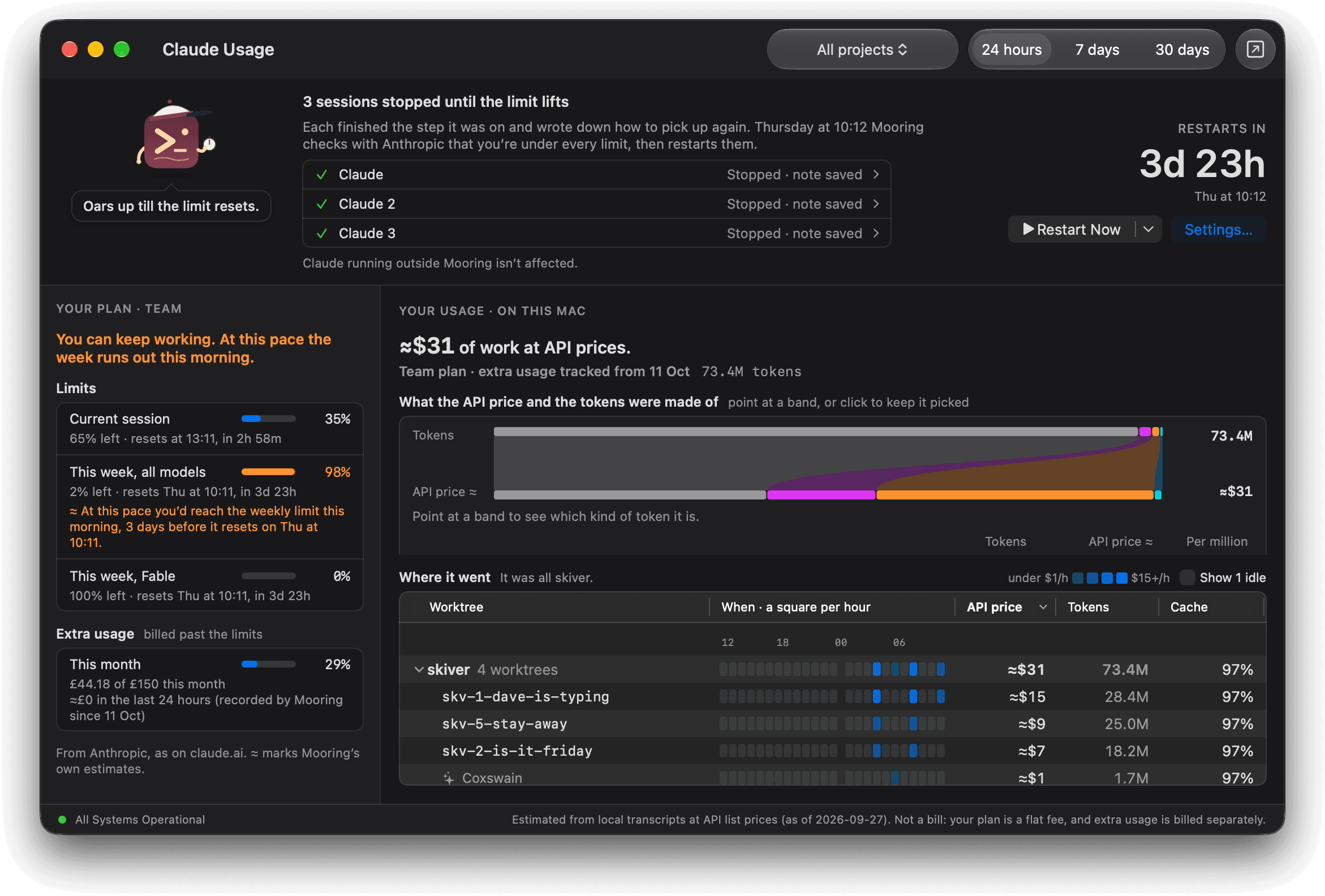
Restart on its own.
Mooring checks with Anthropic when your limit resets and restarts every paused session, or you can choose Restart Now.
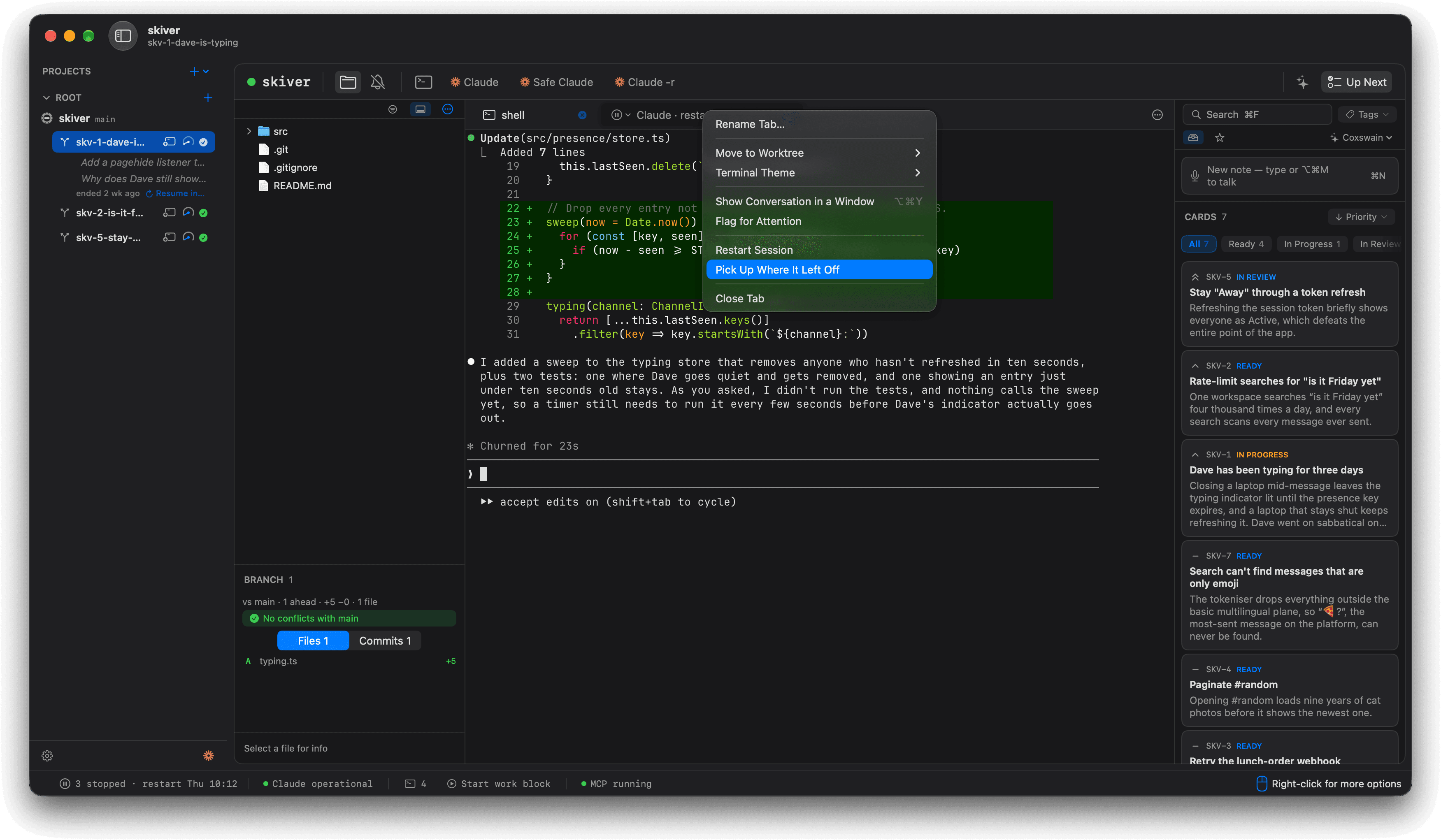
Keep every note.
Pick Up Where It Left Off hands each session’s note straight back to Claude.
Shown with Skiver, a made-up team chat app for people avoiding work.