All features
Themes
Make Mooring look the way you want
Most developer tools come with one look, and you’re stuck with it.
Mooring follows your Mac between Light and Dark, terminal included. You can change any colour, save your look to a file to use on another Mac, and give the terminal a theme of its own.

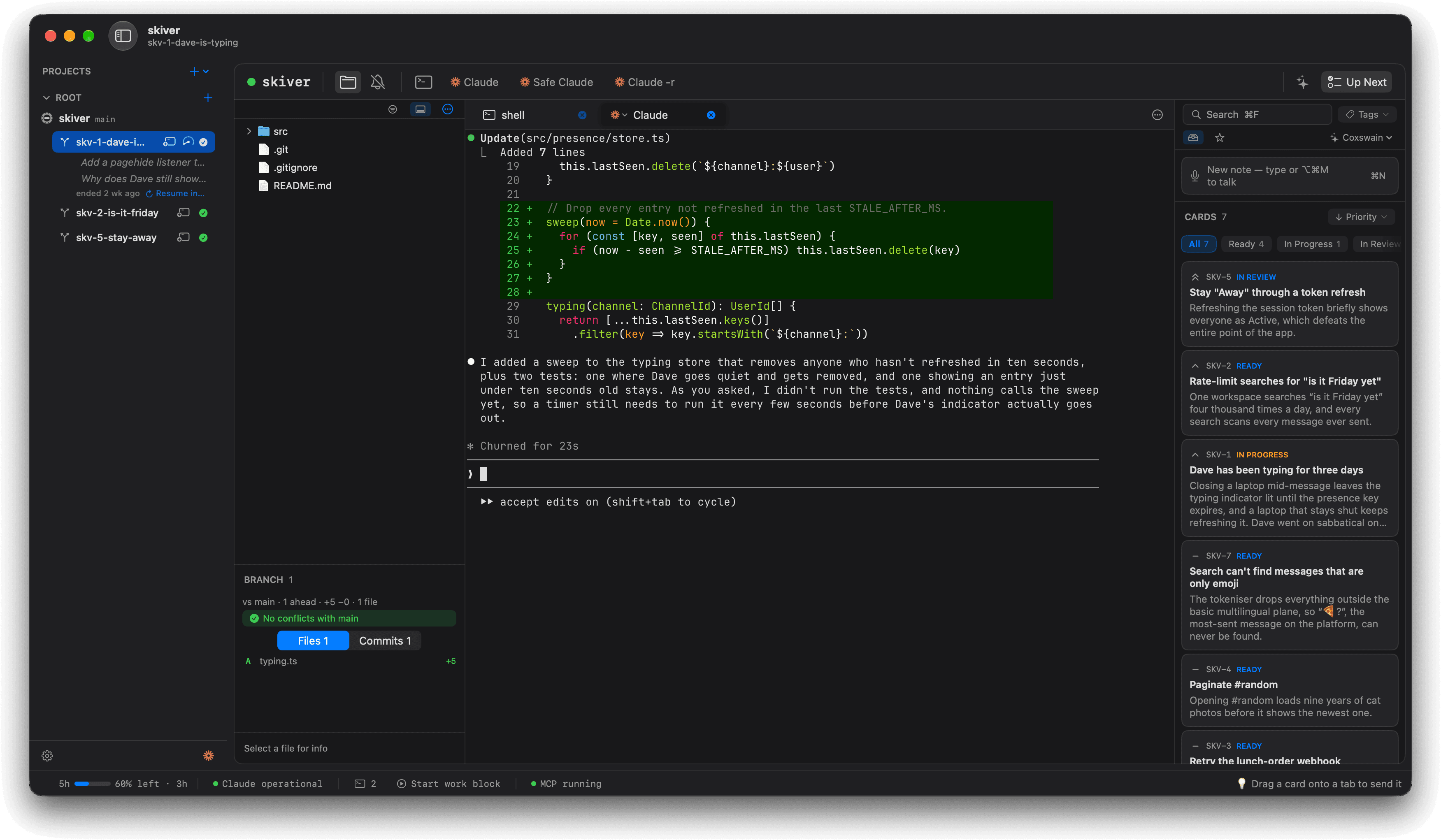
Switch with your Mac.
Mooring changes between Light and Dark when your Mac does, terminal included, without a restart.
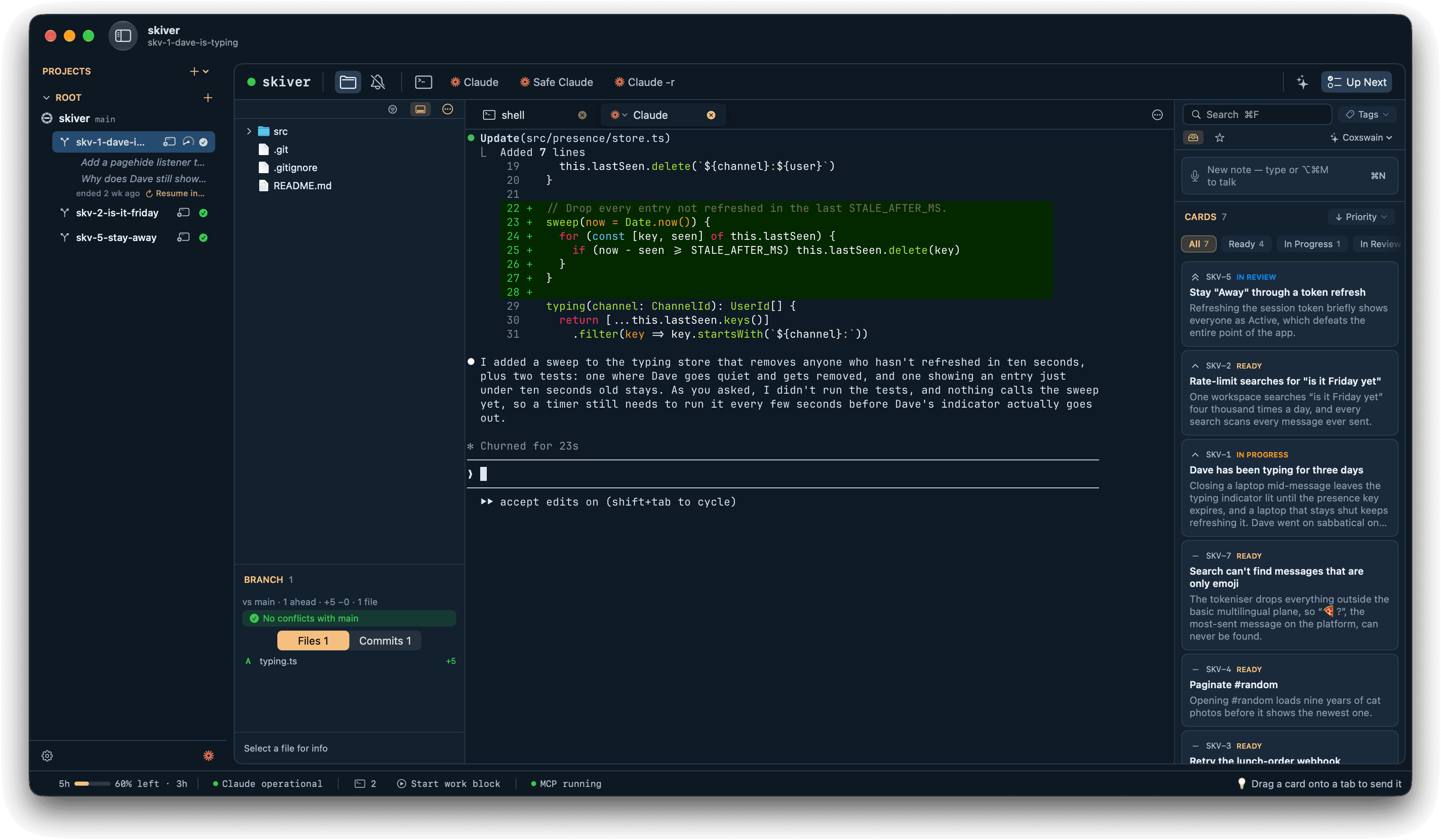
Change any colour.
Set your own colours for Light and Dark, save the look to a file, and load it on another Mac.
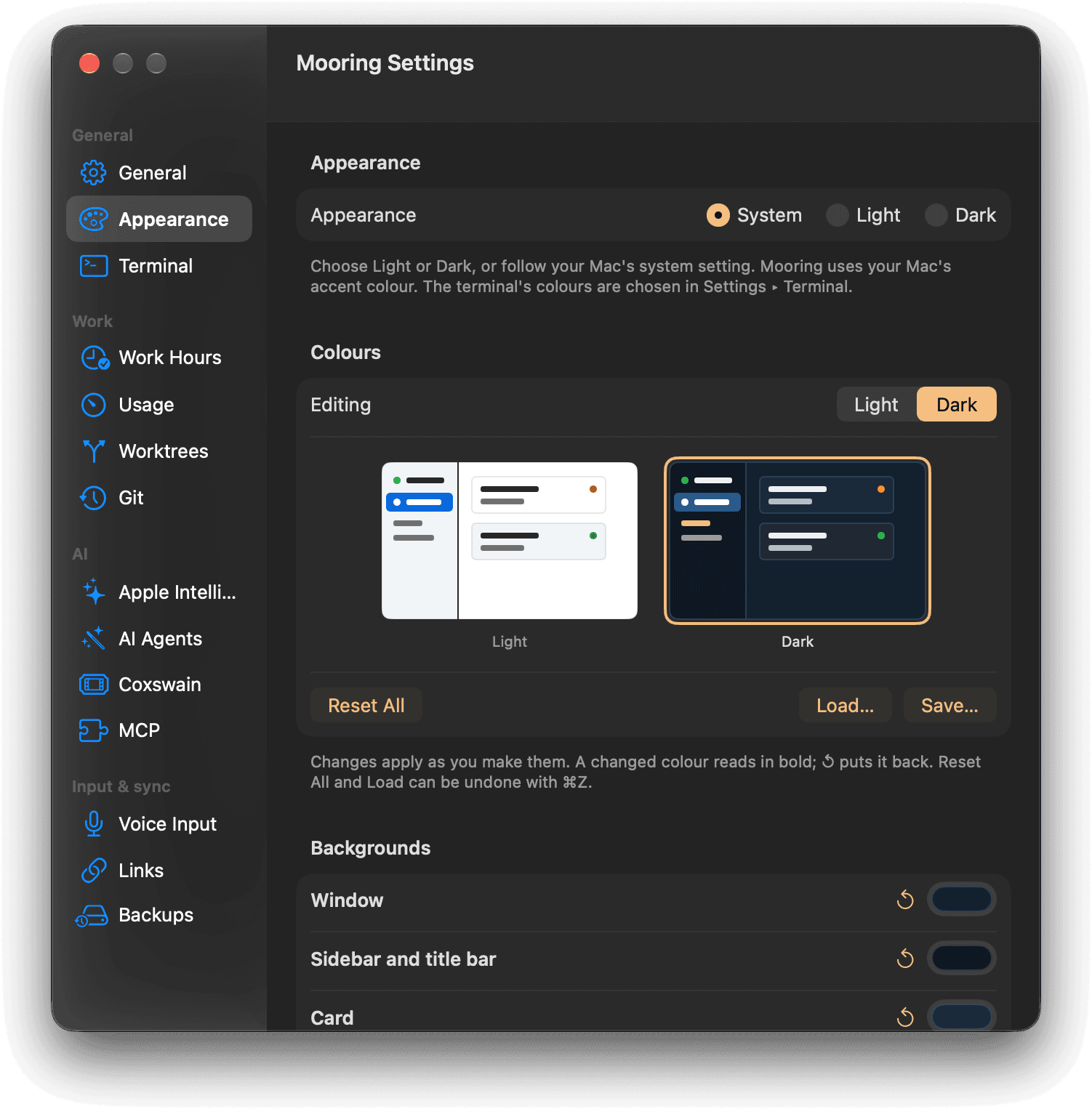
Find every colour in one list.
Settings groups every colour Mooring uses by what it’s for, and one click puts any colour back.
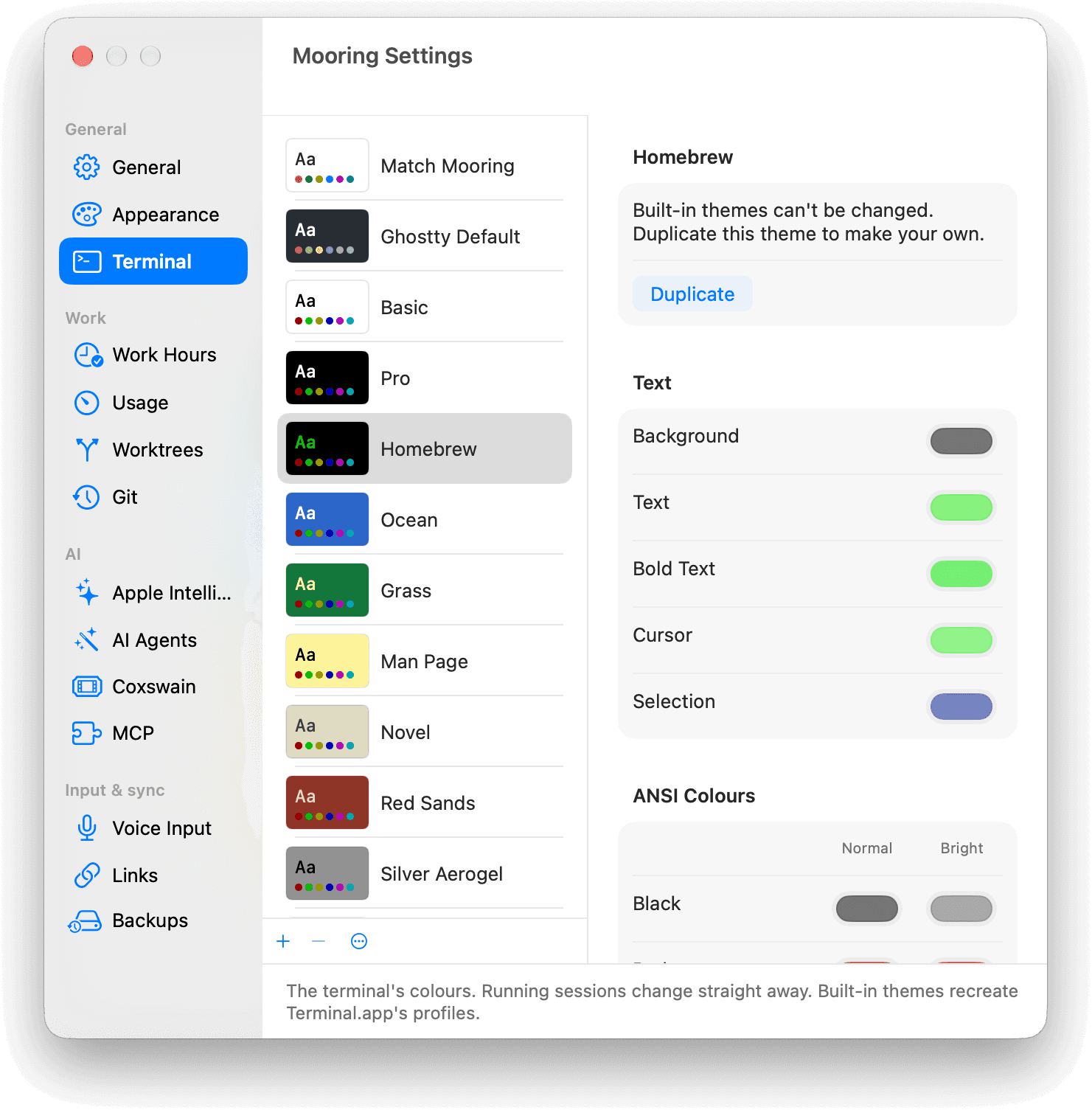
Give the terminal its own theme.
Pick a Terminal.app theme or make your own, for every tab, one project or a single tab.
Shown with Skiver, a made-up team chat app for people avoiding work.