All features

Setup

Get started in a few minutes

New developer tools usually start with a pile of settings and permission requests.

Mooring’s setup is four short steps, with Cox explaining each one. Anything you’ve already done is ticked off for you, and once you’re in, Cox shows you where to begin.

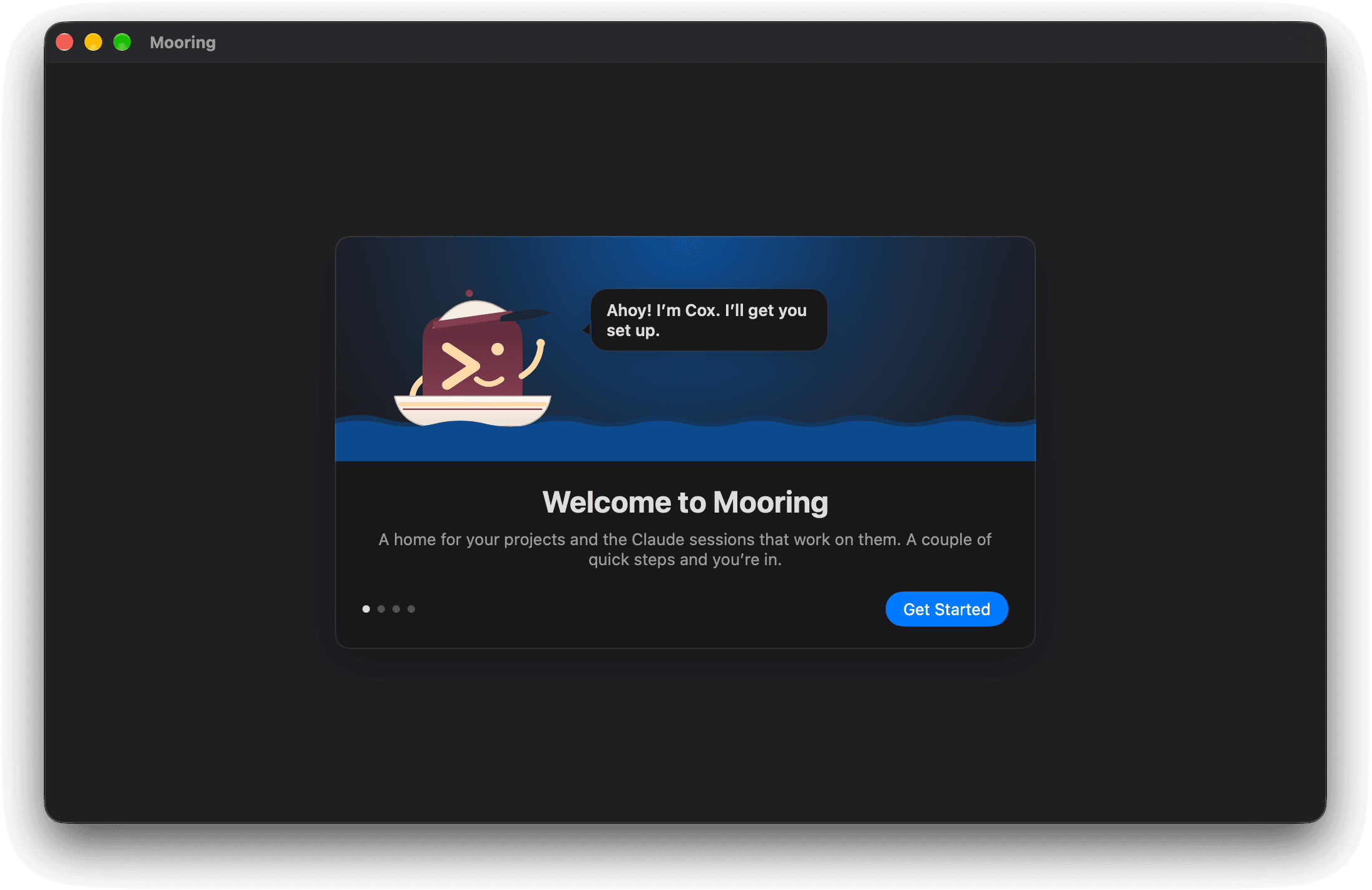
Four steps of Mooring's first-run window, with Cox, a small boat in a cox's cap, moving left to right along the water at the top. He waves on the welcome page, salutes on a page saying git is ready, raises a spyglass on the Full Disk Access page, and calls through a megaphone on the last page, which asks where your projects live.

Four short steps.

Cox checks for git, offers Full Disk Access so macOS stops asking about other apps, and asks where your projects live.
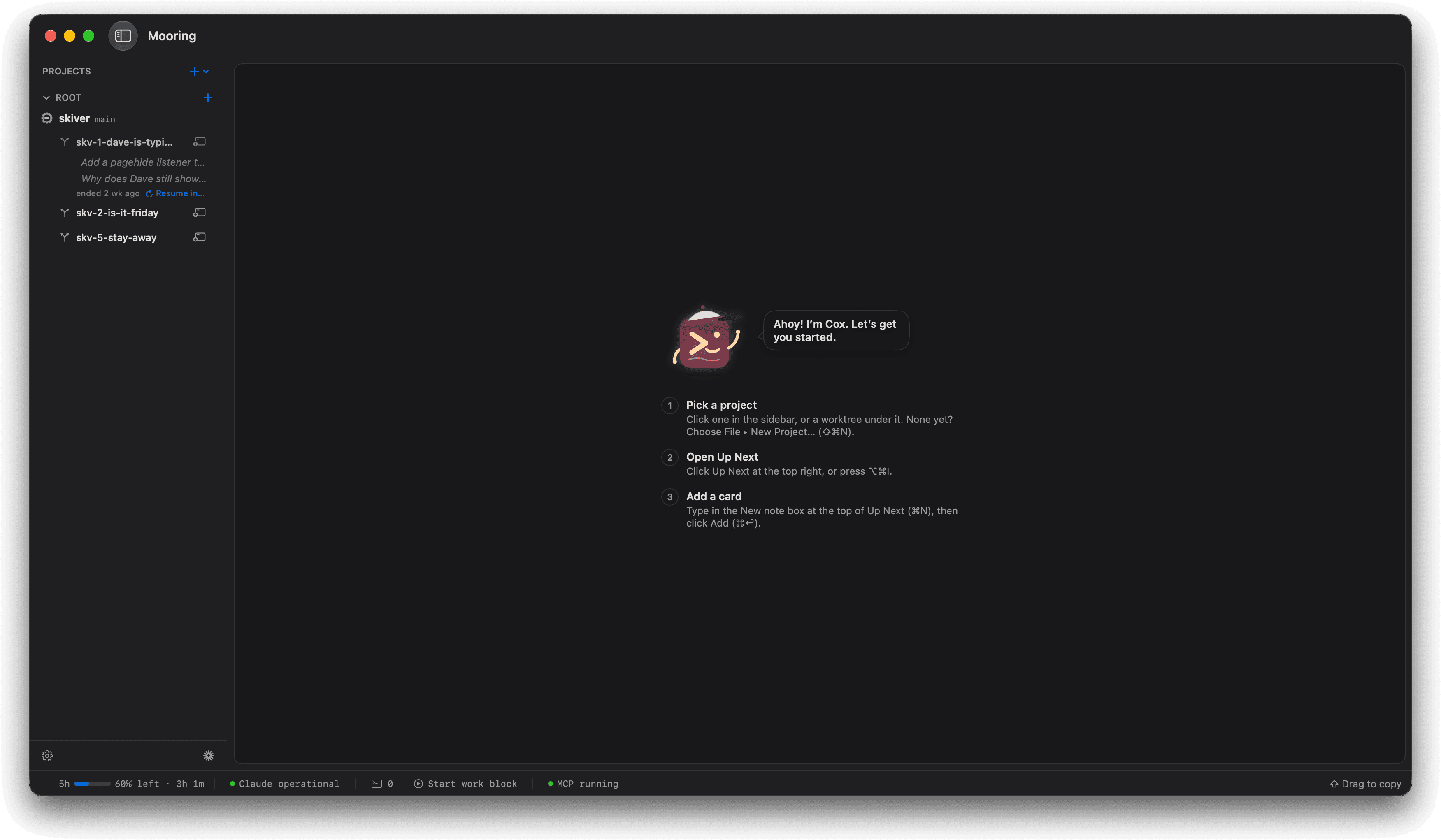
Four steps of Mooring's main window. With no project picked, Cox waves over the empty window. The skiver project is picked and its empty backlog shows Cox calling up the first card. The first card is typed into the New note box, “Find out why Dave is still typing.” Once it is added, the card sits in the backlog where Cox was.

Know where to begin.

Cox points to where to start, then steps aside once your first task arrives.

Shown with Skiver, a made-up team chat app for people avoiding work.